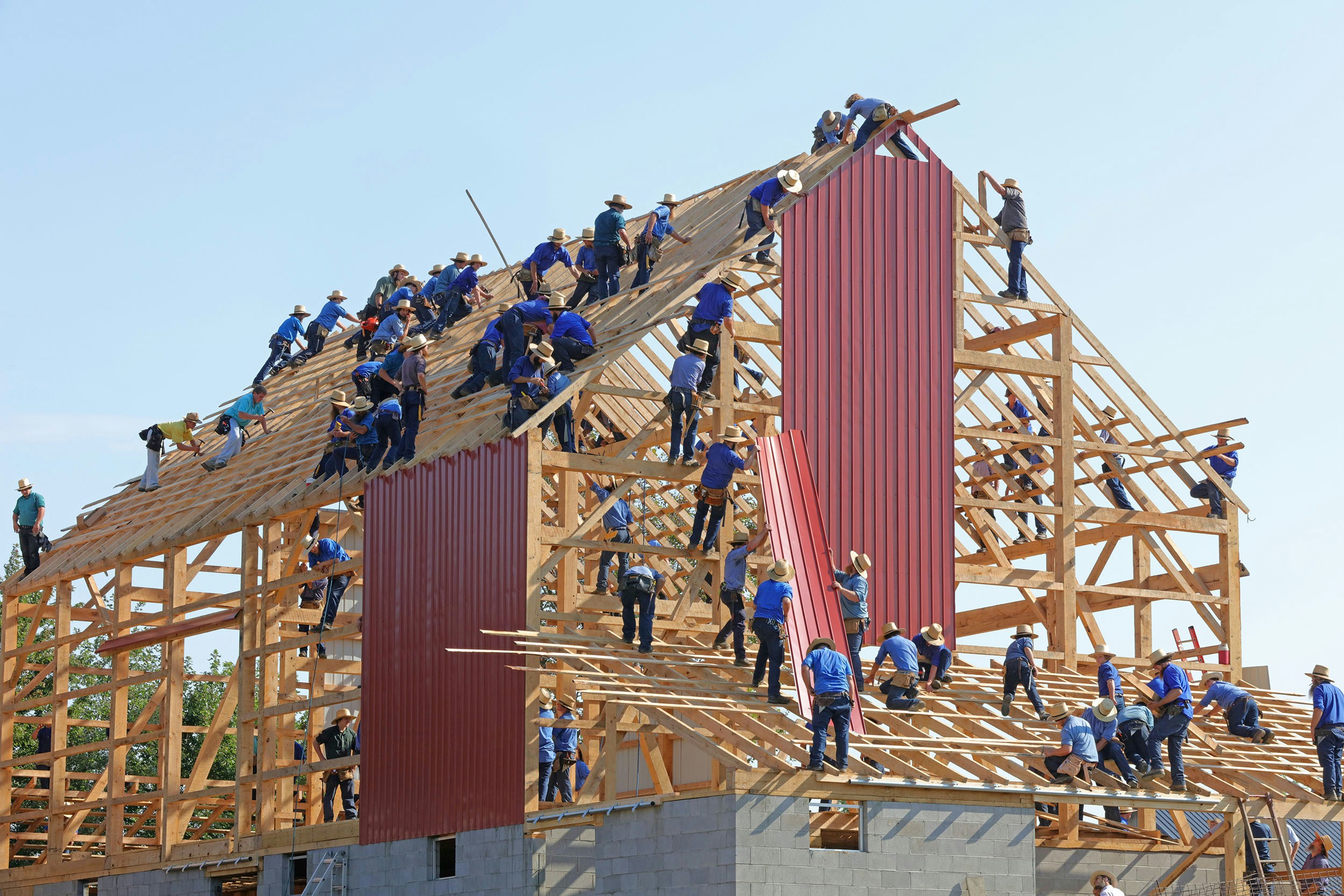
You've seen "real-time collaboration" on a hundred feature lists. Here's what's actually happening under the hood — and why the implementation matters more than the checkbox.
"Real-time collaboration" has become one of those features that every document tool claims to have. But if you've ever watched your paragraph rearrange itself while a colleague types, or lost a sentence to a mysterious merge conflict, you know that not all collaboration is created equal.
Let's pull back the curtain on what makes real-time collaboration actually work — and what Quixli does differently.
The Hard Problem: Concurrent Editing
Here's a scenario that seems simple but is actually one of the hardest problems in distributed systems:
Alice types "Hello" at position 10 in a document. At the exact same millisecond, Bob deletes the character at position 8. When their changes reach each other, what should the document look like?
If you handle this naively — just applying operations in the order they arrive — you get chaos. Alice's "Hello" might end up in the wrong place. Bob's deletion might remove the wrong character. Multiply this by a team of five people editing simultaneously, and you have a document that nobody trusts.
This is the concurrent editing problem, and it's been an active area of computer science research for over 30 years.
Two Approaches: OT vs. CRDT
The industry has converged on two main solutions:
Operational Transformation (OT)
Used by Google Docs. Every edit is an "operation" (insert, delete) that gets transformed against other concurrent operations by a central server. It works, but it requires a server in the middle making decisions, and the transformation logic gets incredibly complex — Google's implementation reportedly has thousands of edge cases.
Conflict-free Replicated Data Types (CRDT)
A newer approach where the data structure itself guarantees that concurrent edits always converge to the same result, regardless of the order they're applied. No central arbiter needed. The math ensures consistency.
Quixli uses CRDTs — specifically Yjs, one of the most battle-tested CRDT implementations available. Here's why that matters to you:
What You Experience
Instant Local Edits
When you type, you see your changes immediately. There's no "waiting for the server to confirm." Your local document updates first, and the sync happens in the background. This means collaboration never feels slow, even on spotty connections.
Live Cursors That Actually Help
You see exactly where each collaborator is working — their cursor position, their name, their assigned color. This isn't just eye candy. It's spatial awareness that prevents two people from unknowingly editing the same paragraph.
Graceful Offline Handling
Because CRDTs don't require a central server for correctness, your edits are captured even if the connection drops. When you reconnect, everything merges cleanly. No "conflict detected" dialogs. No "your version vs. their version" choices.
Sync Status You Can Trust
Quixli shows you the real state of synchronization:
- Connecting — establishing the WebSocket connection
- Connected — link is live, changes are flowing
- Syncing — local changes are being sent to peers
- Synced — everything is up to date
This isn't cosmetic. When you see "Synced," you can close the tab with confidence.
The Architecture Behind the Magic
For the technically curious, here's how the pieces fit together:
WebSocket Over HTTP Upgrade
Quixli doesn't run a separate WebSocket server. The collaboration server (Hocuspocus) attaches directly to the main application server. This means authentication happens once — your JWT token is verified on the WebSocket upgrade, and you're in. No separate auth flows, no token juggling.
Document State as Binary
The collaborative state of each document is stored as a compact binary representation (Yjs state). This is dramatically more efficient than storing operation logs or full document snapshots. It also means loading a collaborative document is fast — you're not replaying thousands of operations.
Automatic Versioning
During active collaboration sessions, Quixli automatically captures document versions every 5 minutes. This gives you a safety net without any manual action. If something goes wrong, you can step back in time.
Smart Save Strategy
When you're working alone, Quixli auto-saves every 30 seconds. During collaboration, the Hocuspocus server handles persistence directly — so saves happen at the infrastructure level, not in your browser. This prevents the classic "two people saving at the same time" problem entirely.
Permission-Aware Collaboration
Real-time editing is powerful, but it needs guardrails. Quixli's sharing model works hierarchically:
- Page-level shares — invite specific people to specific documents
- Folder-level shares — share an entire folder, and everything inside inherits access
- Permission levels — control who can view vs. who can edit
The collaboration server checks these permissions on every connection, so there's no scenario where someone can edit a document they shouldn't have access to.
Why This Matters for Your Team
Most teams don't think about collaboration infrastructure until it fails. But the quality of your real-time collaboration directly affects:
- Meeting efficiency — when everyone can edit the agenda simultaneously, meetings start faster
- Review cycles — when editors can work in parallel instead of sequentially, documents ship sooner
- Knowledge quality — when the friction of contributing is zero, more people contribute
The difference between "we have collaboration" and "collaboration is seamless" is the difference between a feature checkbox and a team that actually works together in documents.
Experience collaboration that just works. No plugins, no setup, no conflicts. Just open a document and start working together.